The plan. In plain view. · Interactive walkthrough
Turn a TV into a Digital Notice Board
A structured announcement that tells everyone what changed and what to do next.
Display announcements on TV from your phone. Build a notice with title, subtitle and footer, preview the hierarchy and update a reception or event screen.
Open vuthis.com on the TV or projector
Open vuthis.com in the display browser. For a projector, use its browser or the computer already connected to it. Keep the connection code on screen.
Connect your phone, tablet or laptop
Scan the screen QR code with your phone. On a laptop or tablet, open vuthis.com/r and enter the screen code. Both devices need internet; they can use different networks.
Choose Announcement and write the title
Choose Announcement. Give the notice a short title such as Session change, Welcome or Today at reception.
Add the subtitle and footer
Use the subtitle for the useful detail and the footer for a time, room or next action. For example: Workshop moved to Hall B; Follow signs upstairs.
Choose colours and check the layout
Choose readable colours. If your current product access includes an image, add one when it helps explain the notice. Preview how the words fit.
Show the notice and keep it current
Choose Show now. Update the announcement from the controller when plans change, then clear or replace it when it no longer applies.
Useful when it matters
Put it to work in the room.
- A hotel event welcome or room change.
- Office notices for a shared reception screen.
- Workshop and conference announcements.
Read the V U This Turn a TV into a Digital Notice Board product guide
Get the result right
A quick screen check.
- Use title, subtitle and footer for different jobs rather than repeating the same words.
- Keep private visitor information out of public-facing notices.
Read the screen from the audience position. Keep the selected content clear, current and useful for the people in the room.
The plan. In plain view.
Open vuthis.com on the display. Connect from another device. Visitors see the current announcement.
The next useful screen
Keep the whole setup ready.
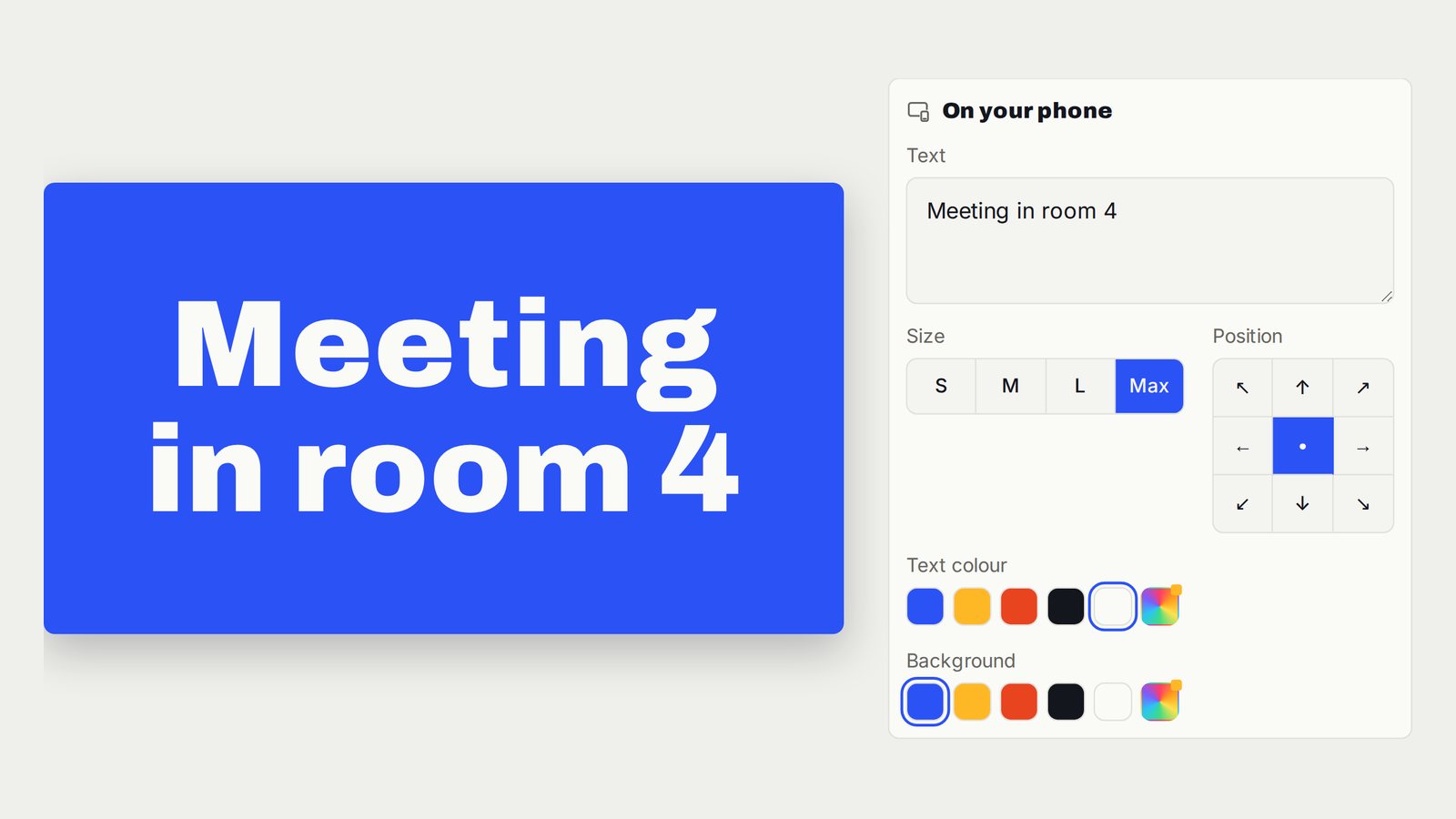
Display Large Text and Welcome Messages on TV
One clear message, readable from across the room.
Follow the interactive walkthrough →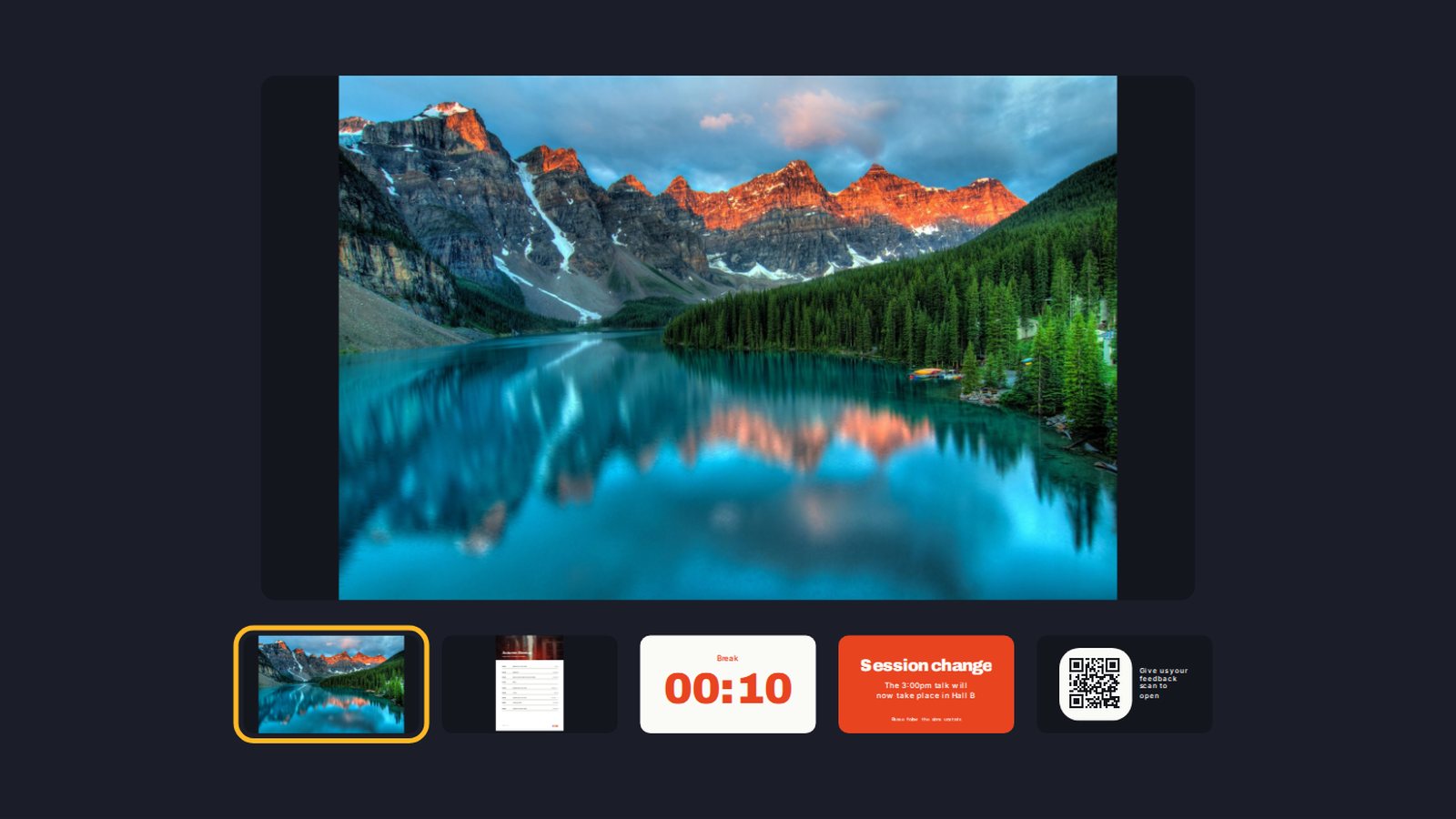
Build a Digital Signage Playlist on TV Without a New Media Player
One screen moving through the content you prepared, in the order the room needs.
Follow the interactive walkthrough →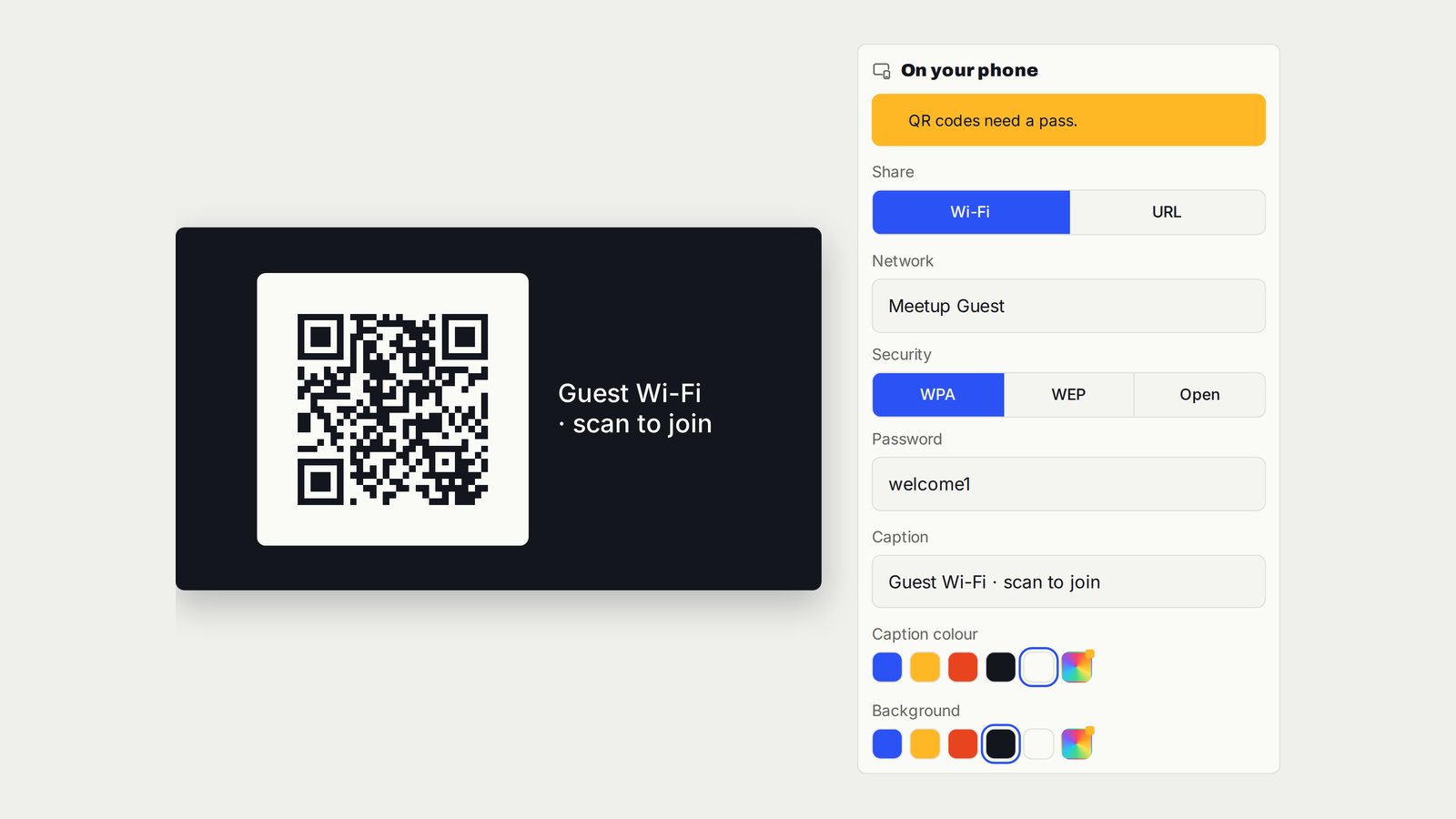
Display a Website QR Code on TV for Menus, Agendas and Feedback
One clear code on the screen, taking guests to the page they need.
Follow the interactive walkthrough →Read · Print · Reuse
Keep this walkthrough with the next job.
The two-page handbook has clickable setup and related-guide links. Its page images and descriptions are also available as a IIIF presentation manifest, linked to this interactive page and the main V U This product.